Where your conversations actually go
Nowhere. This page explains the mechanism that makes that true, lists every network call the application makes, and then tells you how to check rather than asking you to believe it.
The whole architecture
Disconnected, it behaves identically
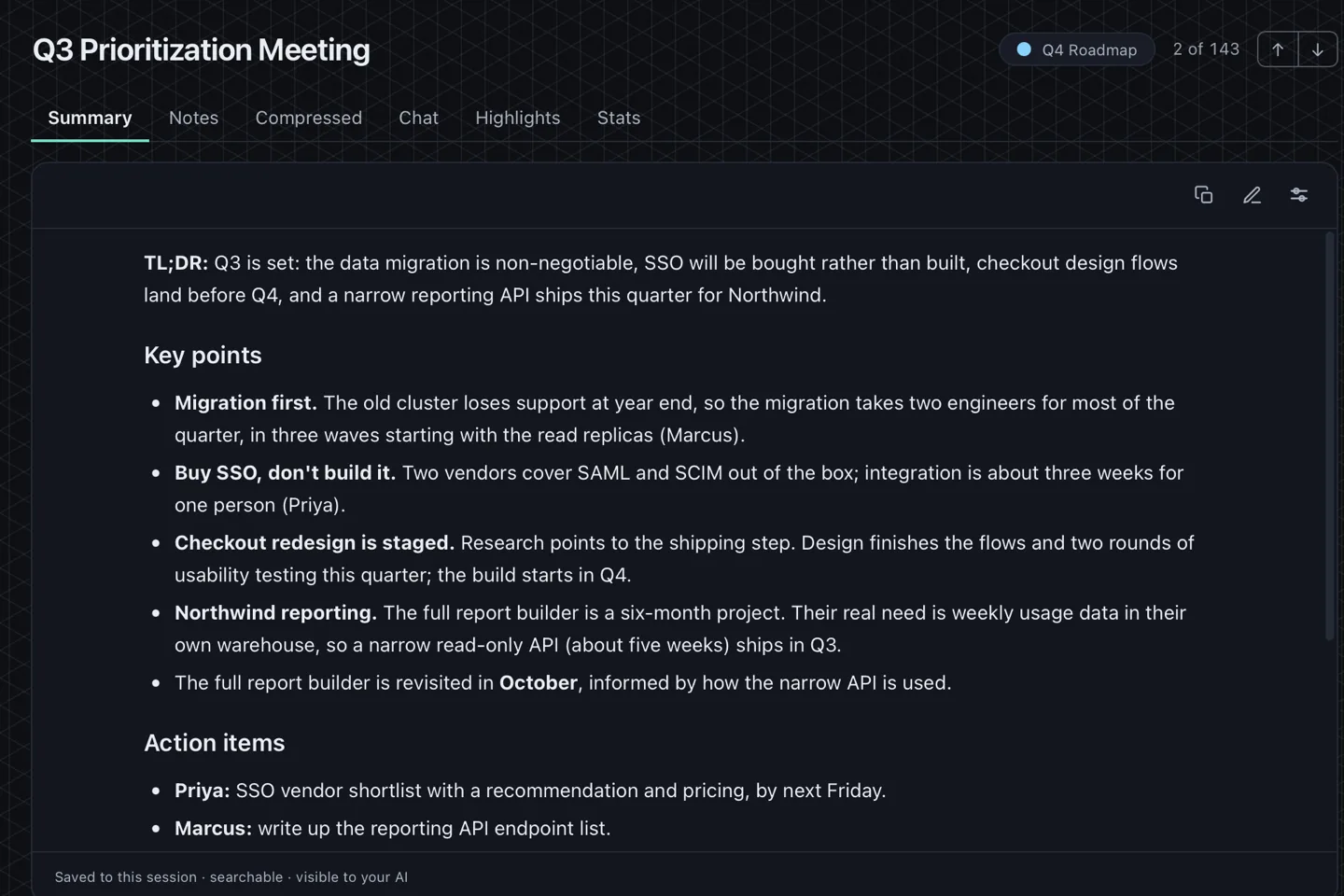
The models live on your disk. Transcription reads from them, the summary model reads the transcript, and the database is a file. Removing the network removes nothing from that chain.
Every network call, listed
An entry belongs on this list only if the application's own code makes that call. Disclosing a call that does not exist is the same kind of defect as omitting one that does, so the list is kept exactly as long as the code — no shorter, no longer.
| Call | When | Where to |
|---|---|---|
| Model download | The first time you use a model, then cached and run offline. Nothing of yours is sent — it is a file download, and every file is checked against a build-time checksum before it is used |
|
| Model catalogue | When you open the model list in Settings, to see which models exist and how big they are. Asks for a file listing — nothing of yours is part of the request |
|
| ONNX Runtime download | First run, if the runtime is not already present. Checked against a build-time checksum before it is used |
|
| Bug report / feedback form | Only when you click Report a bug or Send feedback. Opens a form in your browser — Zerds sends nothing to it, and attaches no recording, transcript or log |
|
| Your remote AI endpoint | Only if you configure one. Transcript text goes to the server you chose |
|
| Discord | Only during a Discord recording you start |
|
| Store ownership confirmation | On launch, on a Microsoft Store build. Windows confirms the licence you already own — no Zerds account, and no transcript, recording or filename is part of it |
|
Check it yourself
None of this asks you to trust a claim. Each one takes a couple of minutes and gives you an answer you observed rather than one I asserted.
- Block zerds.exe in Windows Defender Firewall, then record a meeting and transcribe it. Everything still works.
- Open Resource Monitor, watch the Network tab, and start a transcription. Nothing appears against the process.
- Pull the cable, or switch on airplane mode, and record anyway. Once the model is downloaded there is nothing left that needs a connection.
What's actually on your disk
- The audio files, if you chose to keep them.
- A SQLite database holding transcripts, the search index and speaker names.
- The models you have downloaded.
- Anything you have exported, as ordinary Markdown, SRT or JSON files.
It is a folder. You can move it, back it up, encrypt the database with a password you set, or delete the lot. None of that needs permission from anyone.
How it runs on your machine
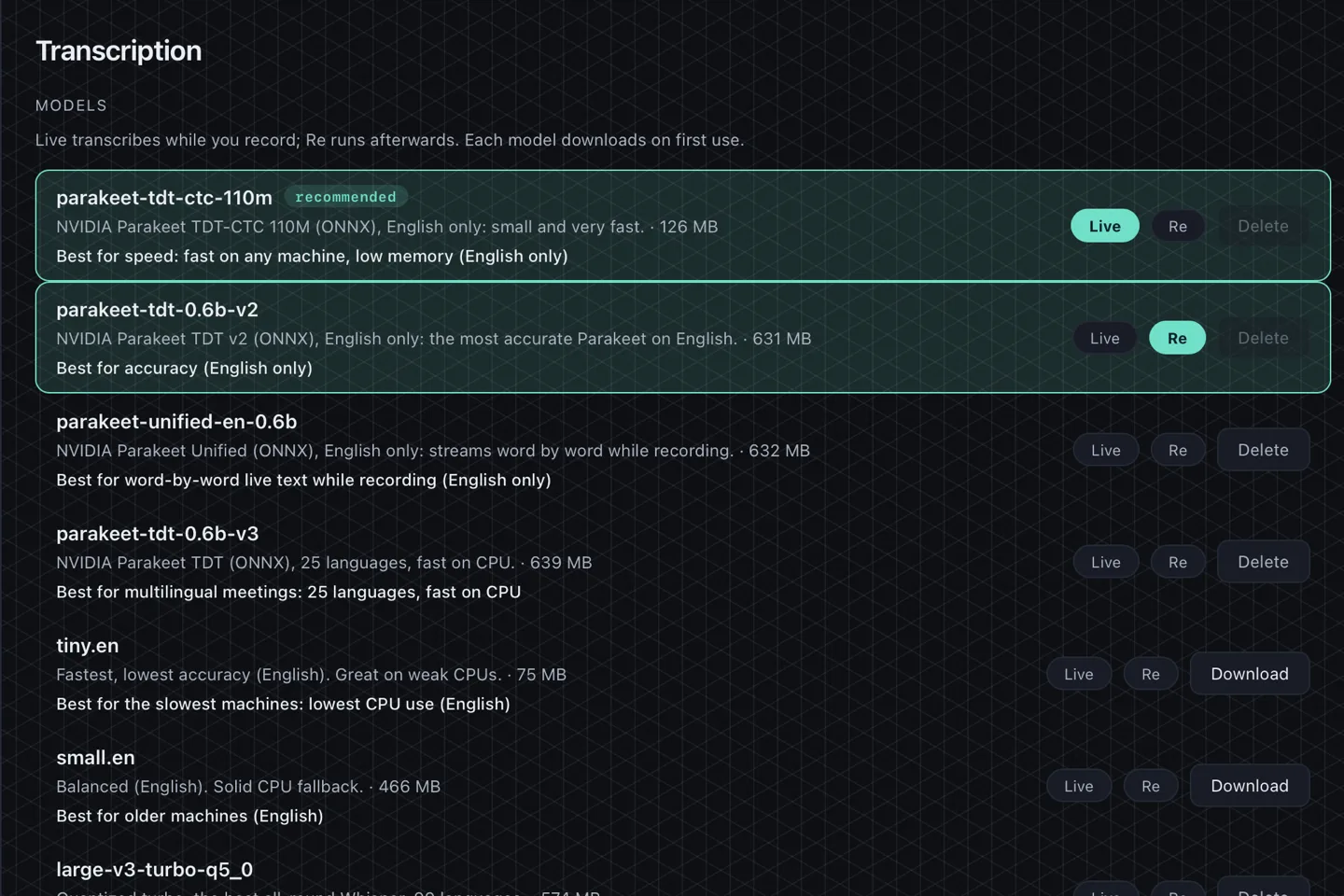
A transcription model downloads once, then runs offline from then on. CPU-only machines work: turn live transcription off and Zerds captures during the call and transcribes when you stop, which avoids a mid-call CPU spike. Where a GPU is available it is used.
Model sizes run from roughly 40 MB for the small English-only models to about 2.9 GB for the largest Whisper model, with the default near 830 MB. A local summarisation model is a separate download of its own.
How does it hear the other side without a bot?
On Windows, Zerds opens a WASAPI loopback stream: the audio the operating system is about to send to your speakers is also handed to the recorder, as a separate source from your microphone. Nothing is injected into the call and no participant is contacted, which is why it needs no integration and works with software that did not exist when Zerds was written.
Per-app scoping is the same mechanism narrowed to one process, so notifications and background music stay out of the transcript. The application has to have played audio at least once before Windows will list it.
Discord is the exception and it works the other way round: your own bot joins the voice channel and receives each participant's audio as its own stream, decrypted end to end. That is why Discord gives real names, while everywhere else gives you one mixed channel that speaker matching has to divide up.
What Zerds does not protect against
- It is not disk encryption. If someone has your unlocked machine, they have your recordings — the optional database password protects the transcripts, not the audio files.
- It is not a secure-erase tool. Deleting a recording removes the file the ordinary way; recovering deleted data from a disk is a different problem.
- It cannot stop anyone else in the meeting from recording it too, and it does not know whether they are.
- It does not obtain consent from other participants, or announce the recording to them, on your behalf. The one exception is Discord, where your bot posts a message in the channel when it joins.
Security posture
No borrowed badges. There is no SOC 2, no ISO 27001 and no third-party security audit behind this product, and we will not imply otherwise. What there is instead is on this page: every network call the application can make, named with where it goes, and steps you can run yourself to check each one.
The dependency tree is scanned against the RustSec advisory database. Database queries are parameterised. Model downloads are checked against expected digests with size caps, and archive extraction is hardened against path traversal. The optional review dashboard binds to localhost only, is read-only, escapes all HTML, and sets a Content-Security-Policy.
Found something? Report it to [email protected]. There is no bounty programme; saying so plainly is more useful than leaving you to guess.
We do not offer a voluntary money-back guarantee. Refund rights required by law still apply. Stripe is the merchant of record and may issue refunds at its discretion to resolve disputes within 60 days of purchase. Read Stripe's refund policy.